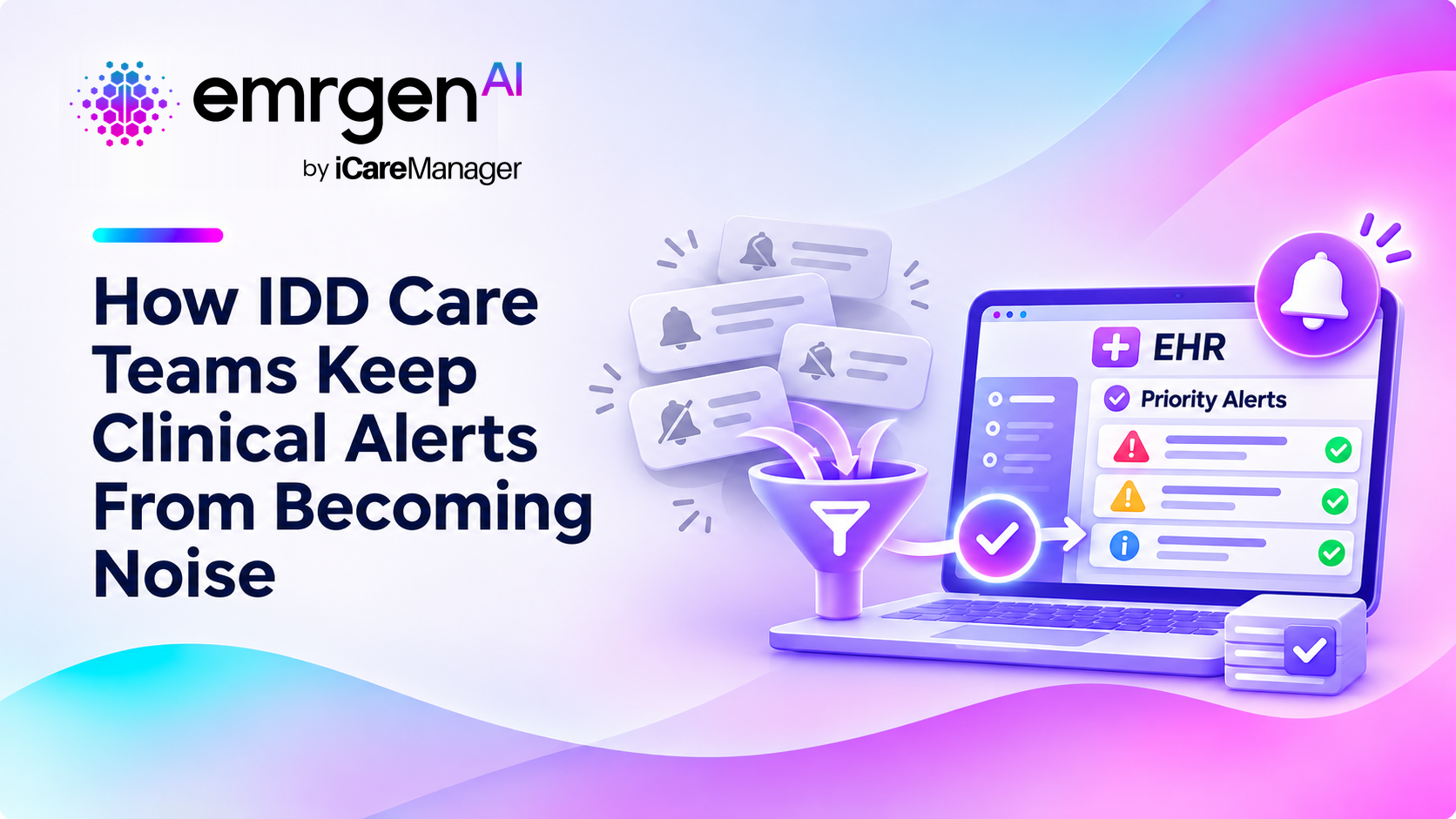
How IDD Care Teams Keep Clinical Alerts From Becoming Noise
EMRGEN.ai unifies electronic health record, electronic medical record, and AI-powered documentation for providers serving people with intellectual and developmental disabilities (IDD), along with outpatient clinics and behavioral health professionals. It grew out of customers saying they needed a clinical documentation system that understood their workflows, their compliance requirements, and the people they serve.
If you run an IDD clinic, an intermediate care facility, or a behavioral health team, look at two things separately. The first is how clearly alerts and tasks appear. The second is how your organization governs which alerts exist at all.
Quick guide: How IDD Care Teams Keep Clinical Alerts From Becoming Noise
- Patient-specific relevance: Keep alerts significant and patient-specific, and read them beside the dashboard and patient chart.
- Urgency and next action: Tier alerts by severity, state the next step, and use the morning rounds flags and prescribing checks.
- Governance and feedback: Let affected clinical staff shape and revise alert rules, and ask how EMRGEN.ai handles them.
- Retiring low-value alerts: Review existing prompts and their data before adding new ones, using synced records and lab results.
- Connected care workflow: Clinical documentation and care delivery sit in one platform, with shared scheduling, alerts, and documentation logic.
1. What makes an alert relevant to this patient?
Patient-safety guidance on electronic health records says alerts and reminders should be informative and actionable. It also says they should be judiciously limited to the most significant, patient-specific notifications. The EMRGEN.ai clinical dashboard shows upcoming visits, alerts, tasks, and patient context at a glance, along with AI-powered predictions.
Alerts that are well designed and configured within clinical workflows can support patient safety without overwhelming ordering providers and other clinical staff. EMRGEN.ai organizes vitals trends, active diagnoses, lab results, and medication history into a tabbed patient chart on one screen. Read each alert beside that chart before deciding what it asks of you.
Providers and clinical staff can customize their dashboards, including a provider dashboard, a patient clinical dashboard, custom widgets, real-time analytics, and performance metrics. When you test the system, check whether each alert on your dashboard is specific to the person in front of you.
2. What should the alert ask the team to do next?
An alert should make its urgency and the next step plain, and three points help when you assess this in EMRGEN.ai:
- Tiered by severity: Safety guidance on order entry and decision support says alerts should be tiered by severity and should describe the next action clearly and concisely. The EMRGEN.ai dashboard example lists alerts such as a patient who requires action, a missing billing code, and a pending lab review.
- Weigh workflow disruption: That guidance also asks teams to weigh hard stops that require documentation of an override rationale against soft stops that can be dismissed without further action. The EMRGEN.ai morning rounds view flags critical lab results, abnormal vitals, and patients marked as high-risk.
- Prescribing safety checks: EMRGEN.ai offers certified electronic prescribing with pharmacy integration, including drug-drug and drug-allergy interaction checks.
3. Who reviews alert rules and feedback?
Safety guidance on decision support expects an organization's governance to revise alerts regularly based on clinical user feedback, emerging knowledge, and high override rates. It also says the practicing clinical staff most affected, such as ordering providers, pharmacists, and nurses, should develop and approve those features.
Within EMRGEN.ai, the documented review step covers clinical notes. Clinical encounters come with customizable note templates, Subjective, Objective, Assessment, Plan (SOAP) note creation, and one-click note signing. In EMRGEN.ai, pending notes can be reviewed and signed off with a single click, an approach meant to end end-of-day backlogs.
Encounters in EMRGEN.ai can also generate after-visit summaries and be printed or sent by e-fax. The MedAssist assistant in EMRGEN.ai helps with clinical documentation, patient queries, and medical workflows.
Before you commit, ask EMRGEN.ai during a personalized walkthrough how alert rules are set, tiered, reviewed, and retired. Bring your clinical leads to that walkthrough so you can measure the answers against your organization's own safety procedure.
4. When should a low-value alert be retired?
Before adding any new prompt, review the existing ones and the data behind them:
- Limit interruptions: Health IT guidance for clinics warns that overuse of alerts and reminders, poorly designed prompts, and bad data that trigger alerts inappropriately can all lead to alert fatigue. It advises that clinics carefully prioritize and manage the number and intensity of these interventions. EMRGEN.ai displays lab results, vitals, medication history, and goal trends, along with a full clinical timeline. Use that clinical context to decide whether a prompt still earns its place.
- Weed out low value: Advisors who help clinics can weed out alerts and prompts that carry low value or are driven by poor data. EMRGEN.ai syncs patient demographics, vitals, medications, and lab results with the care delivery platform.
- Check data quality: Clinicians soon lose confidence when alerts fire inappropriately or are incorrect, so the quality and completeness of the underlying data need careful attention. EMRGEN.ai sends lab results directly into patient charts and supports electronic ordering and result upload and viewing.
5. Where do alerts and tasks fit in the care workflow?
Direct support professionals, nurses, and caregivers work with care plans, the electronic medication administration record, and scheduling, while doctors, nurse practitioners, and clinicians use the AI scribe, charting, and billing.
Because scheduling, alerts, and documentation logic are shared, your team enters data once and it flows everywhere.
The dashboard task list example includes completing a SOAP note, reviewing a patient's lab results, and submitting billing for March visits. During evaluation, walk through how a task or alert moves between roles in your own daily work.
Why EMRGEN.ai Fits IDD Care Teams
EMRGEN.ai was created by the iCareManager team, which has spent years working alongside IDD providers, IDD clinics, intermediate care facilities, and behavioral health organizations. The demo is free, carries no commitment, and comes as a personalized walkthrough. Bring your alert governance questions and real workflows to that session. See a personalized demo
Frequently Asked Questions
EMRGEN.ai includes automated notifications and reminders as part of its scheduling, along with day, week, and month calendar views, provider schedule setup, recurring appointments, and real-time availability.
Teams can create, manage, and track referrals in EMRGEN.ai, keep a referral favorites list, and communicate by e-fax and email.
EMRGEN.ai supports documentation for physical therapy, occupational therapy, speech-language pathology, psychology, social work, and nursing in one system.
Discharge summaries from hospital systems are marked as coming soon in EMRGEN.ai. Ask the EMRGEN.ai team about timing if your workflow depends on it.